




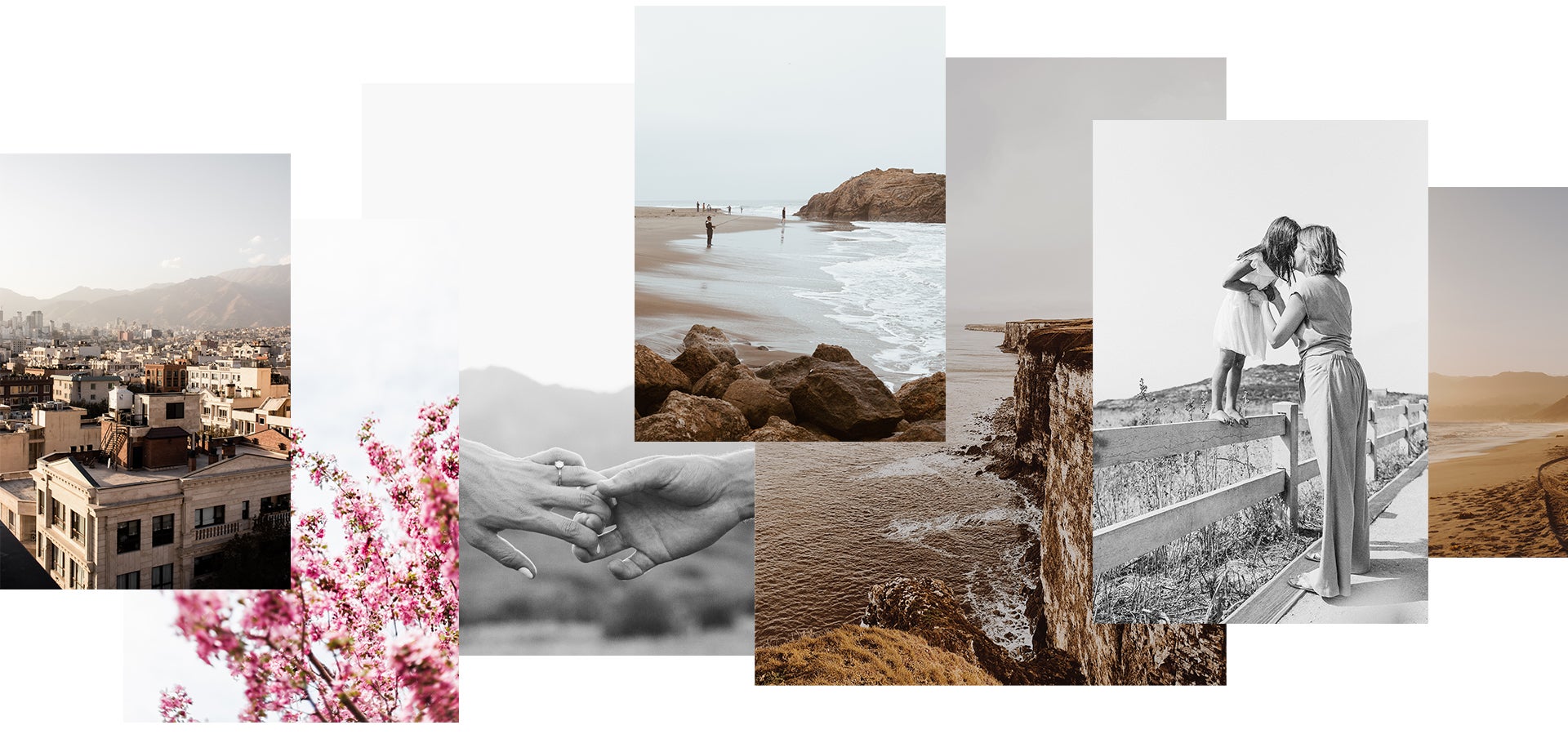
Preset 01
Cityscapes
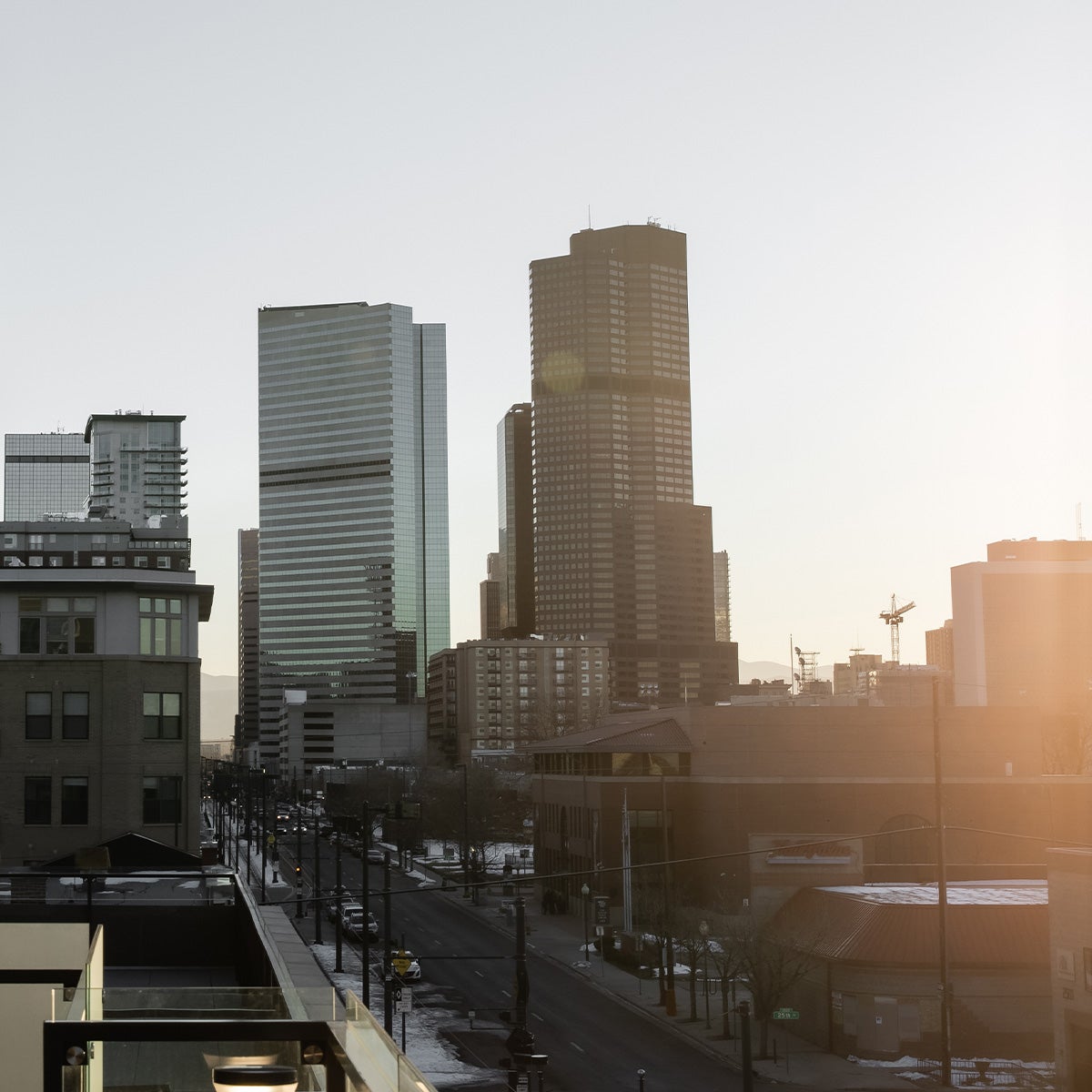 Preset
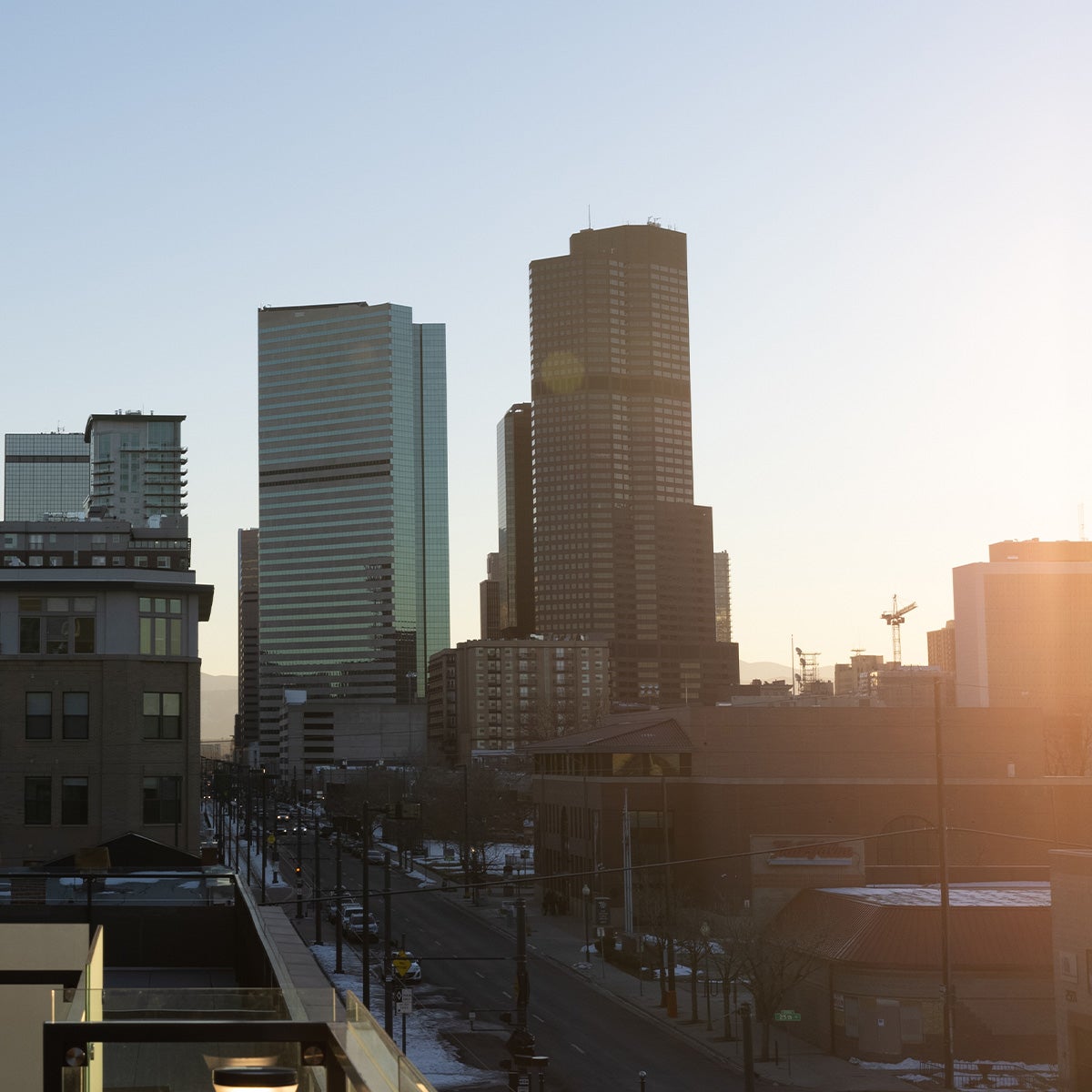 Original
Whether it's a busy metropolis or lush seaside villa, cityscapes introduce an endless array of competing
elements that can make for a busy photo. Preset 01 creates visual distinction by adding contrast to keep the
scene from blending together, allowing each building to "pop" without disrupting the cohesion of the overall
image. Added warmth brings out the life in the city, showing the inviting side of concrete jungles that
might otherwise feel cold and desaturated.
Have Lightroom Classic or Mobile?
Click here to download this preset for import.
Preset 02
Fresh
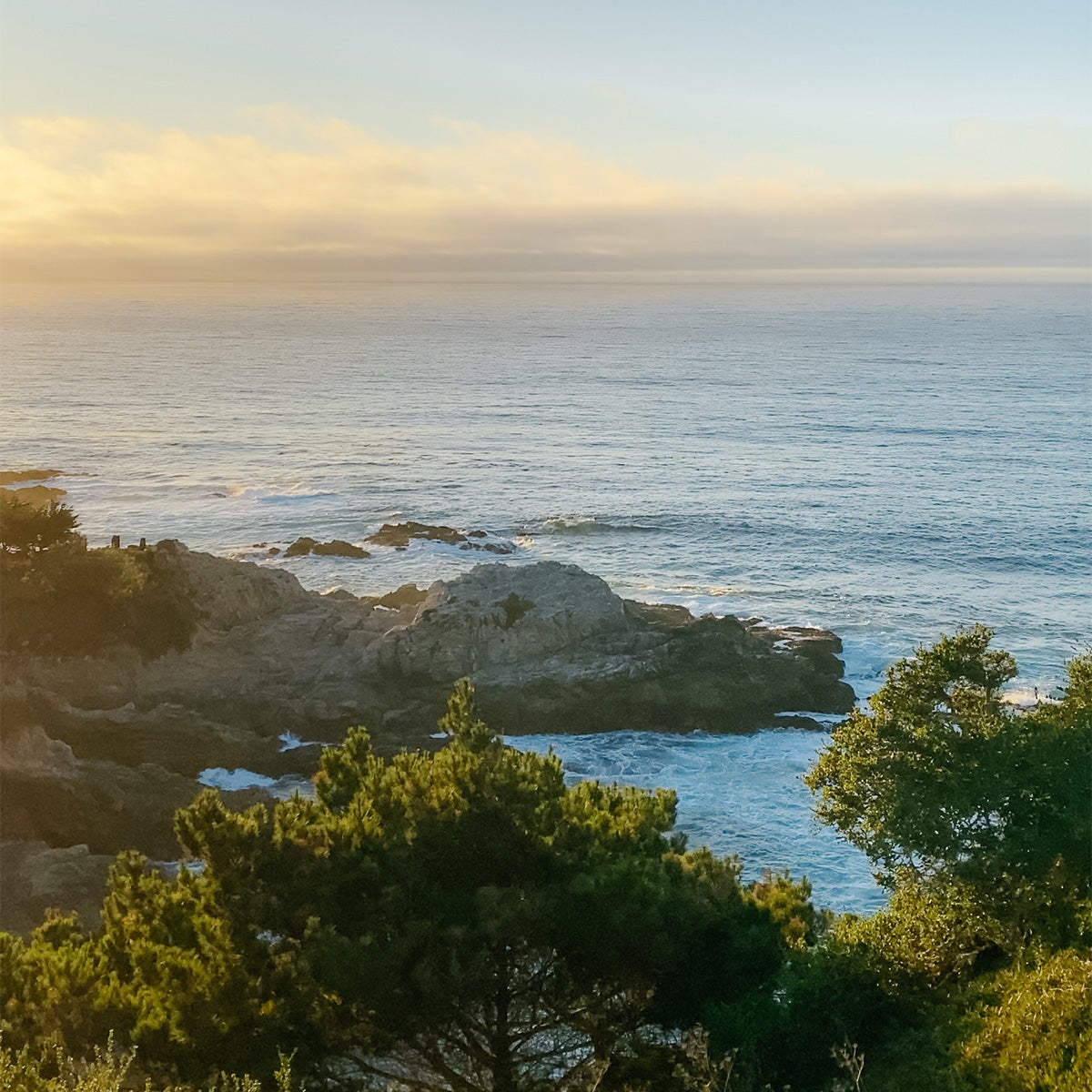 Preset
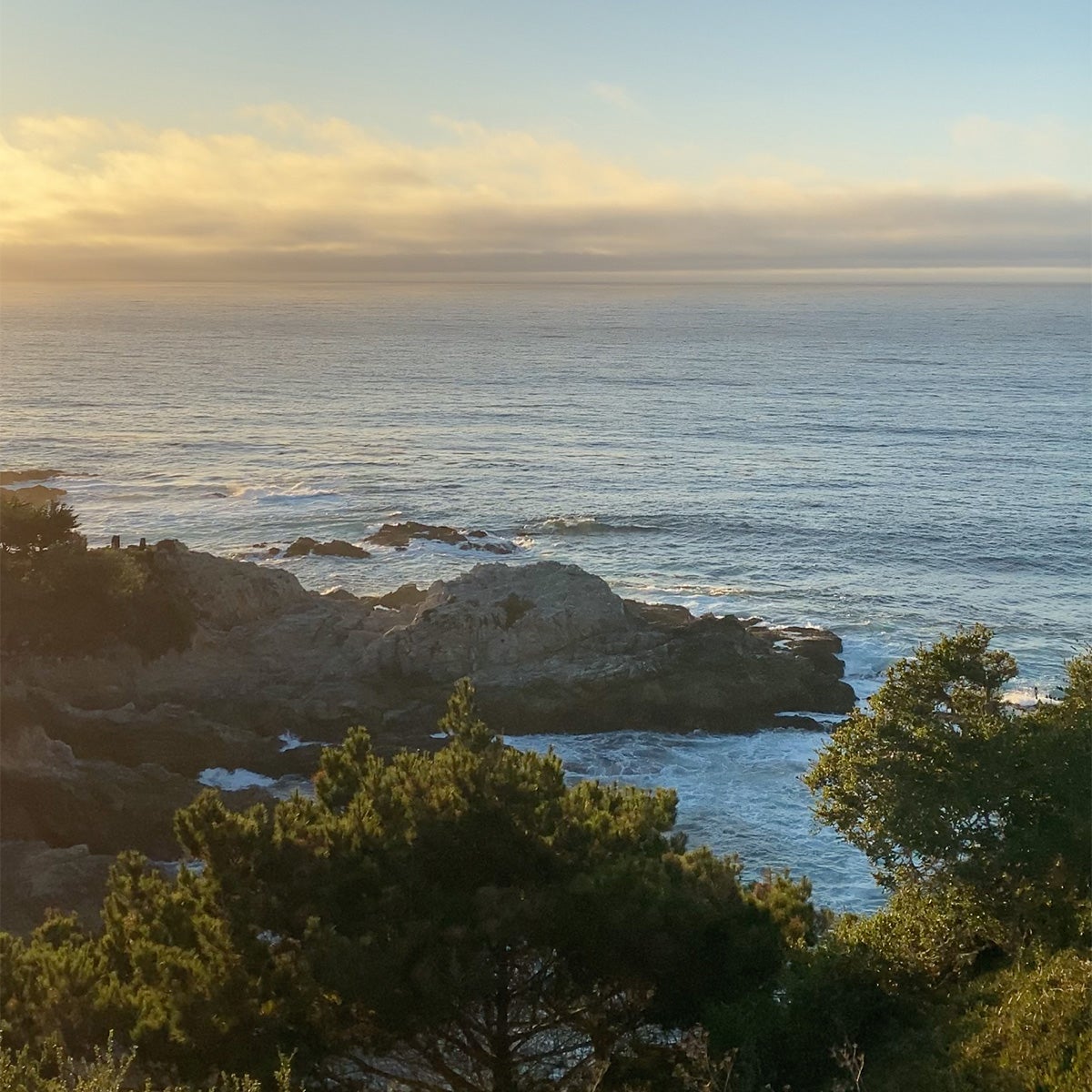 Original
We've all been there: face-to-face with a jaw-dropping landscape that makes us take pause and pull out our
cameras. Oftentimes, when we look back at the photos we took, the rich colorscape of the natural setting
tends to look a little muted. Well, mountain lakes, lush coastal cliffs, and wildflower fields rejoice! This
preset breathes life back into natural settings, brightening and enriching blues and greens to bring out
their original brilliance.
Have Lightroom Classic or Mobile?
Click here to download this preset for import.
Preset 03
Modern Monochrome
 Preset
 Original
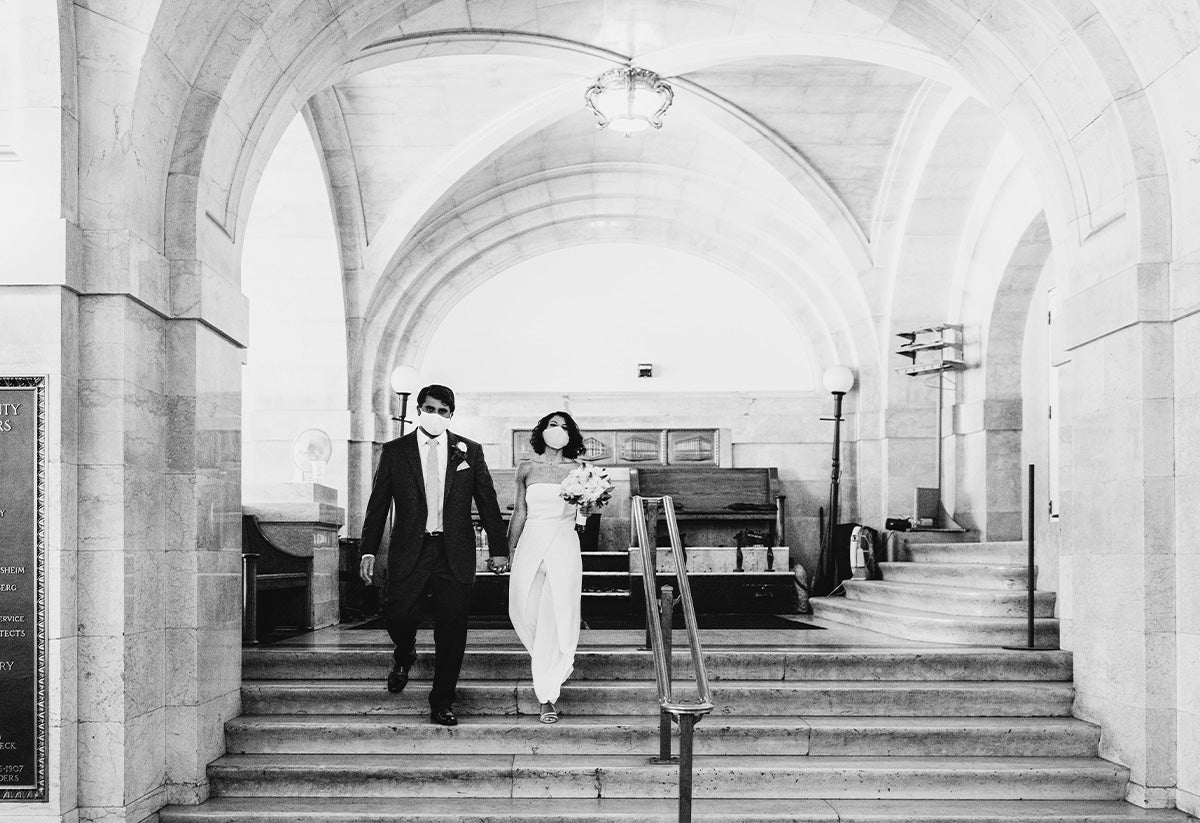
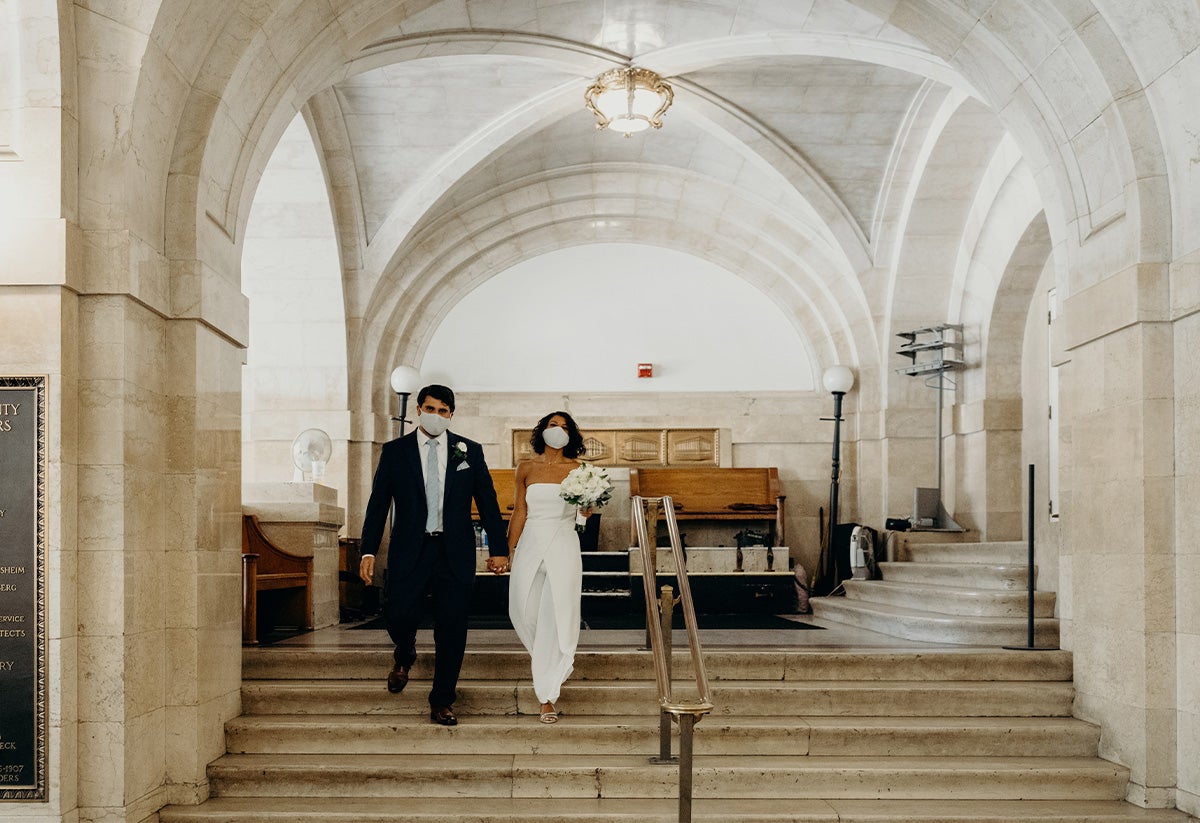
Looking for one black and white preset to rule them all? Preset 03 is great for most types of shots, making
it a versatile tool to keep in your back pocket for a variety of edits. High contrast makes for a crisp,
clean image, while increased exposure brings out the brighter side of black and white. Perfect for timeless
wedding photography, use it to capture a classic look adapted for a contemporary aesthetic.
Pro tip: Don't forget to check out Jason Peterson's tips for incredible black and white photography.
Have Lightroom Classic or Mobile?
Click here to download this preset for import.
Preset 04
Calm
 Preset
 Original
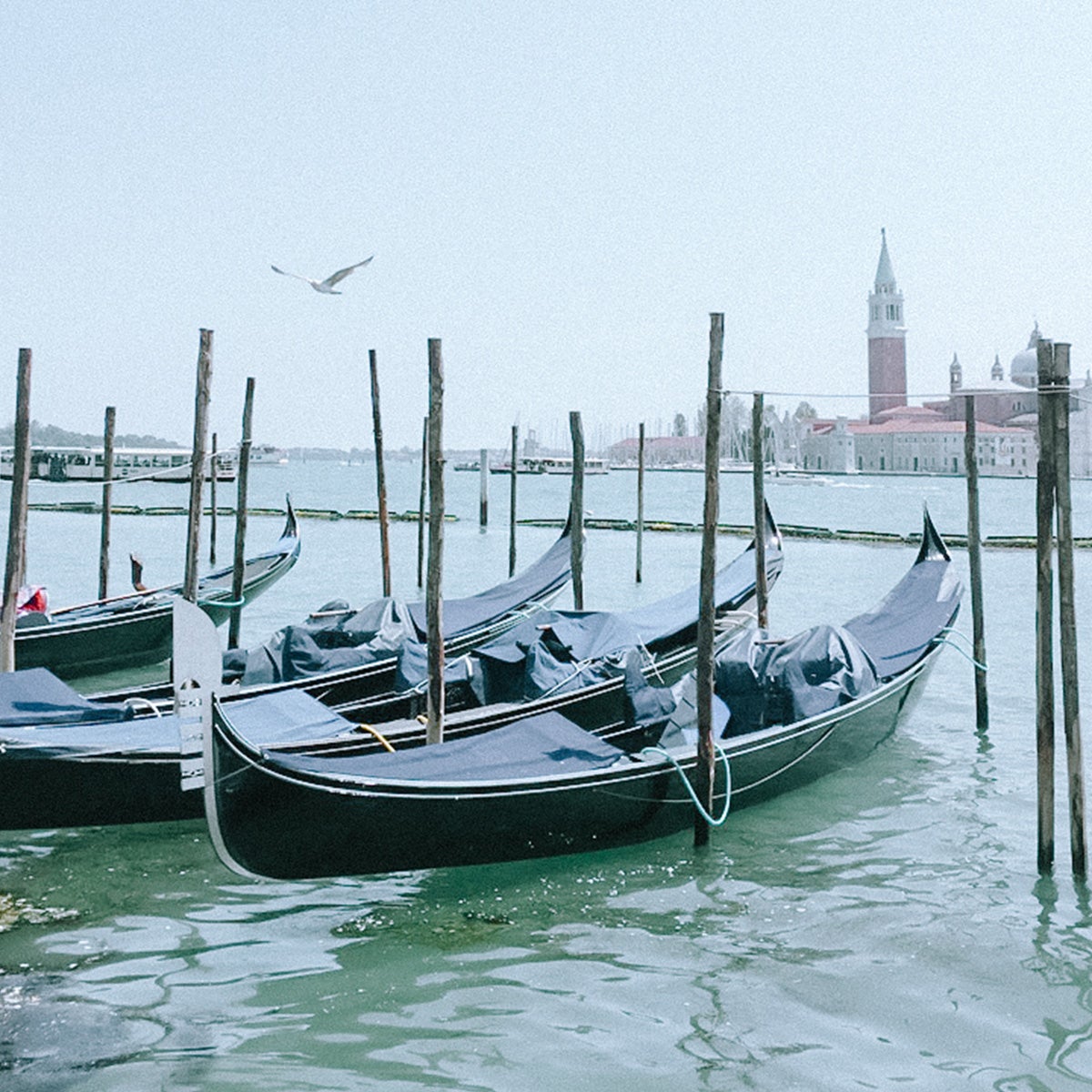
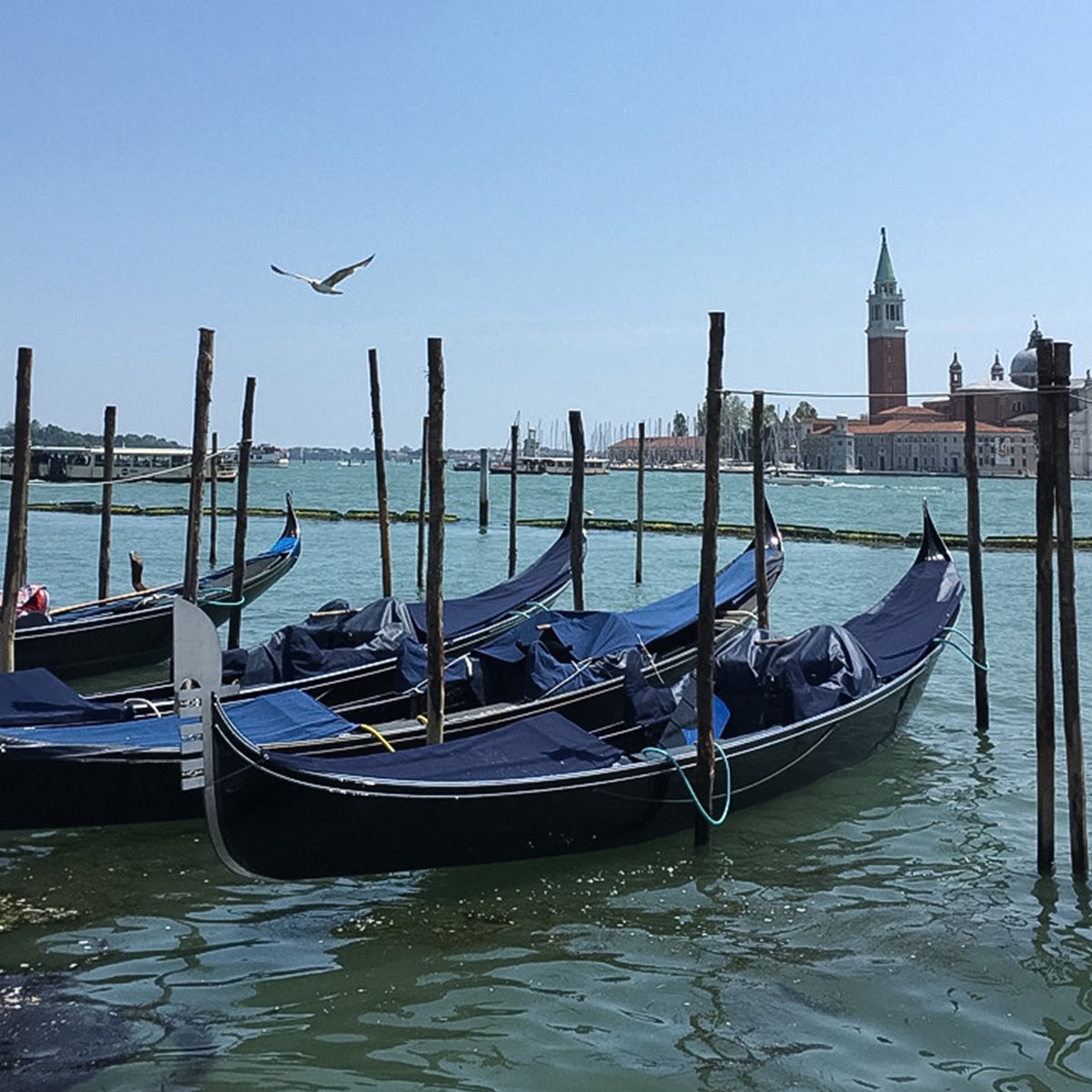
Portside walks on overcast days, bustling settings with overstimulating colors… these are the scenes that
beg for a softer touch. Enter Preset 04: thoughtfully tuned to create or emphasize calm when the moment
calls for it. The settings here walk a thin line, desaturating colors and turning down warmth to bring out
the gentler side of image — without going so far as to make the photo feel washed out. This makes it a great
choice for those pensive portraits that merit pause and evoke tranquil emotions.
Have Lightroom Classic or Mobile?
Click here to download this preset for import.
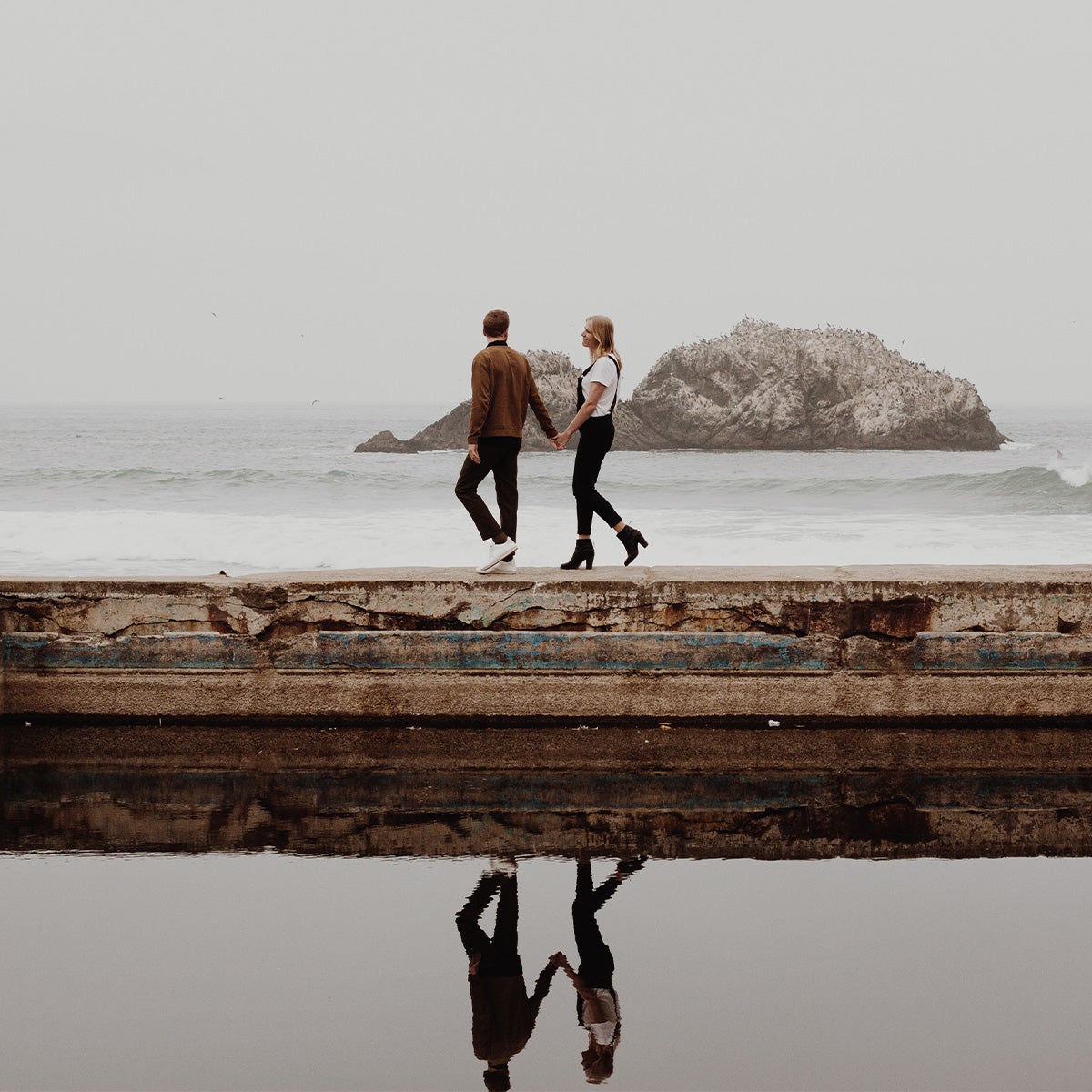
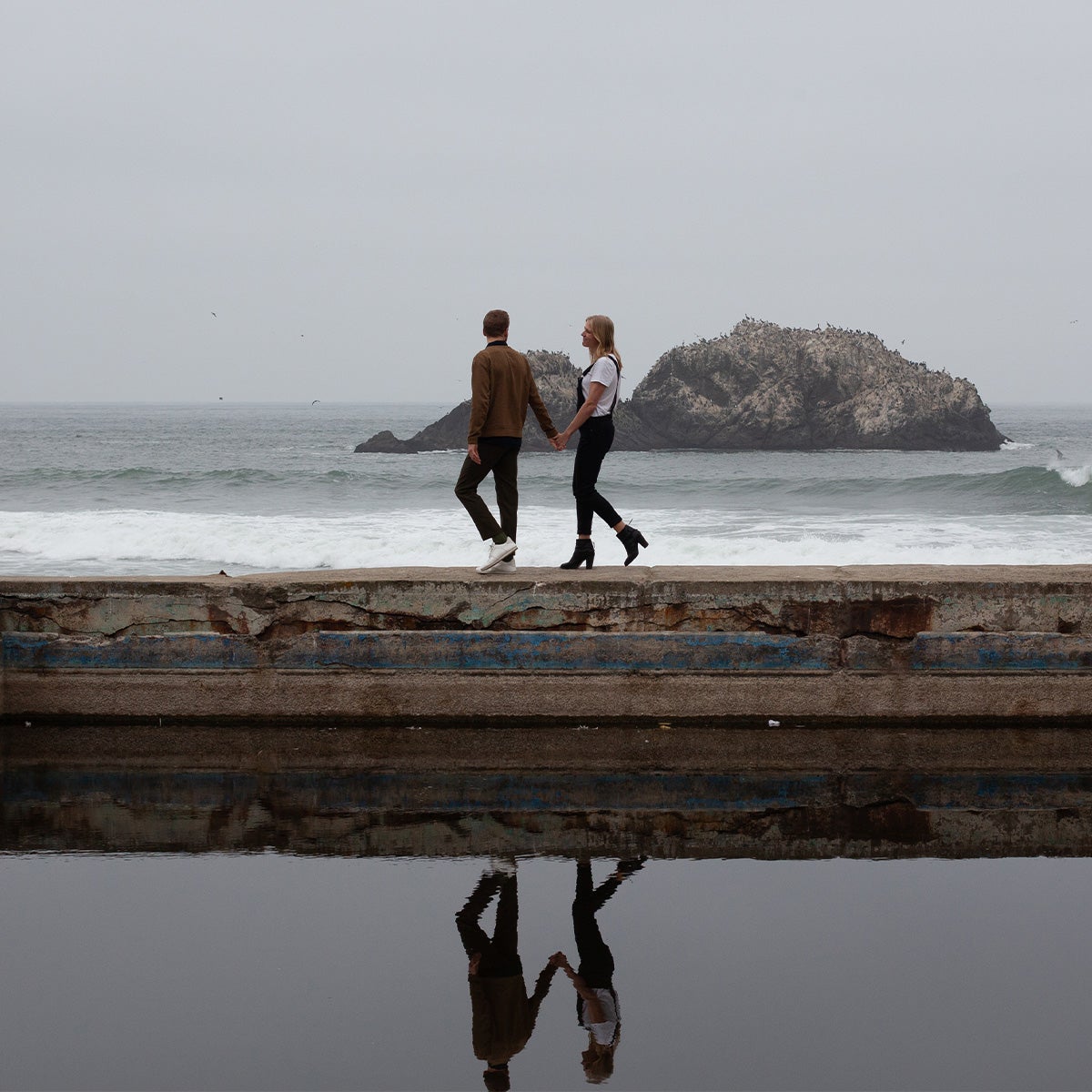
Preset 05
Warmth
 Preset
 Original
Bring out the warmth of coastal cliffs and sprawling hillscapes with Preset 05. Amongst other tweaks, this
preset turns up the temperature within the image, offsetting the white balance to give landscapes a subtle
glow. Increased contrast brings crisp detail to natural features, complementing the added warmth to create a
dimensional effect in understated topographies.
Have Lightroom Classic or Mobile?
Click here to download this preset for import.
Preset 06
Timeless
 Preset
 Original
A preset for the Ansel Adams in all of us, Preset 06 was made for those portraits that simply belong in
black and white. The grainy effect gives images timeless appeal, making the moment stand still. Lower
contrast helps mute the colors in tandem, giving the photo a soft feeling that captures the joy in photos of
children, couples, and beyond. Use it for those time-capsule shots — the photos you'll hand down as return
tickets to moments otherwise gone.
Have Lightroom Classic or Mobile?
Click here to download this preset for import.
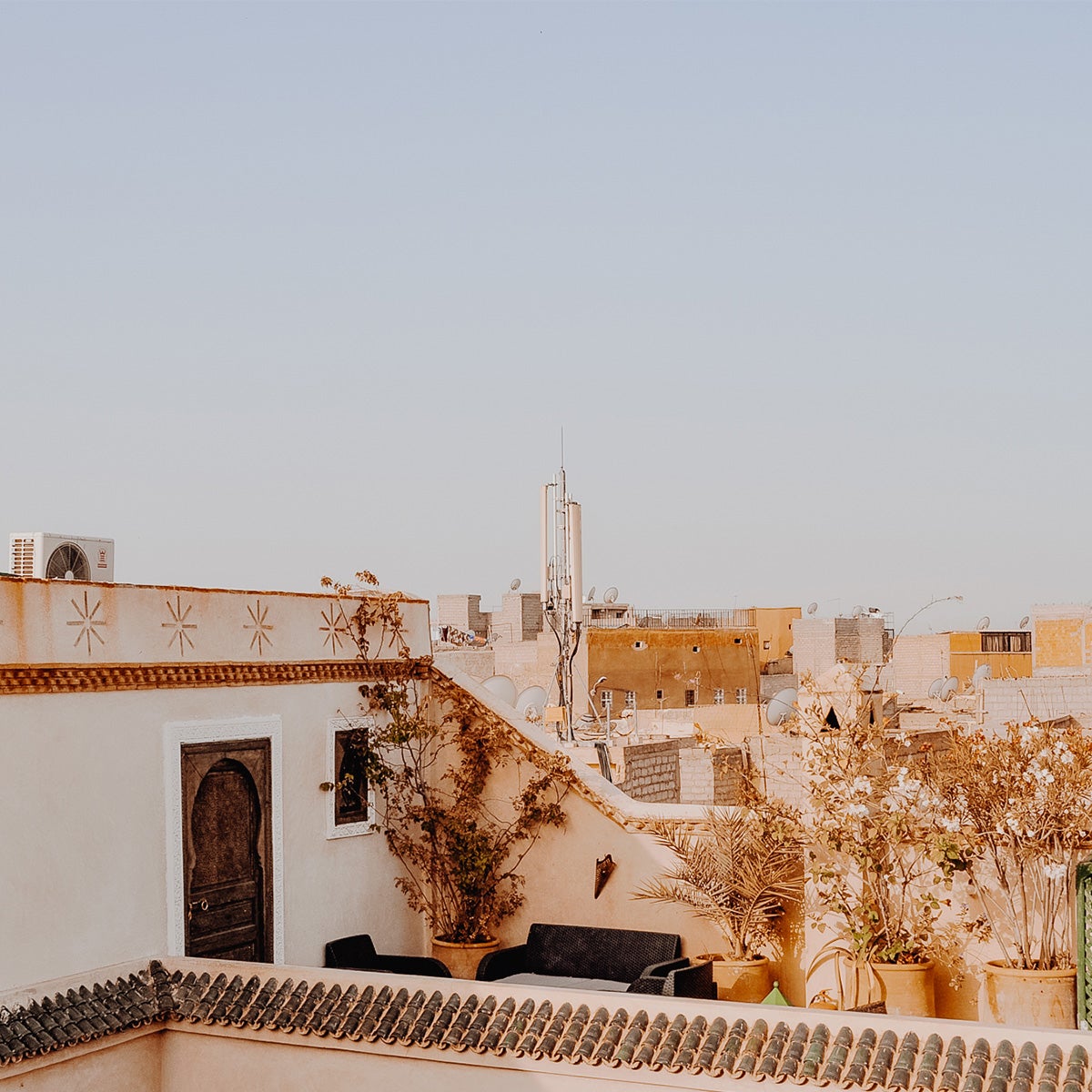
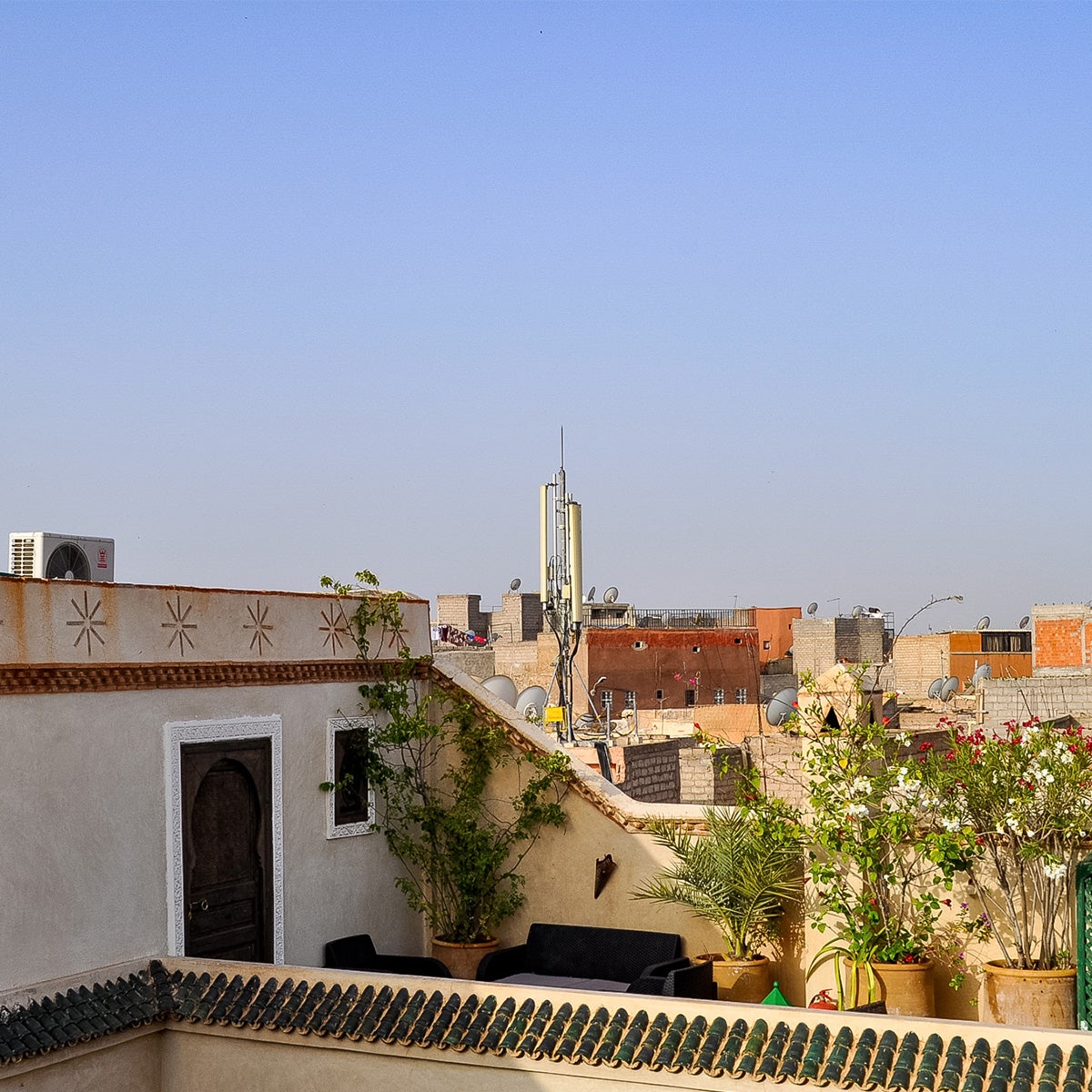
Preset 07
Golden Hour
 Preset
 Original
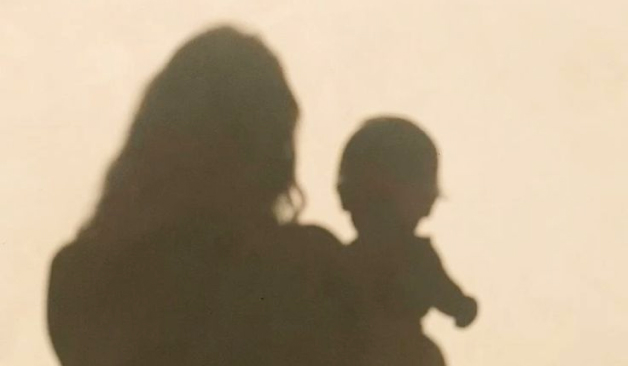
Bask in that sunkissed glow with a preset made to emulate and amplify the golden hour. Preset 07 creates
warmth in photos, stretching those golden rays to all four corners of the image and extending an illuminated
invitation to interact with the scene. Perfect for sunset snaps, these settings interact playfully with
light and silhouettes, speaking to the simple and carefree moments we seek as we navigate the chaos of the
day-to-day.
Have Lightroom Classic or Mobile?
Click here to download this preset for import.
Preset 08
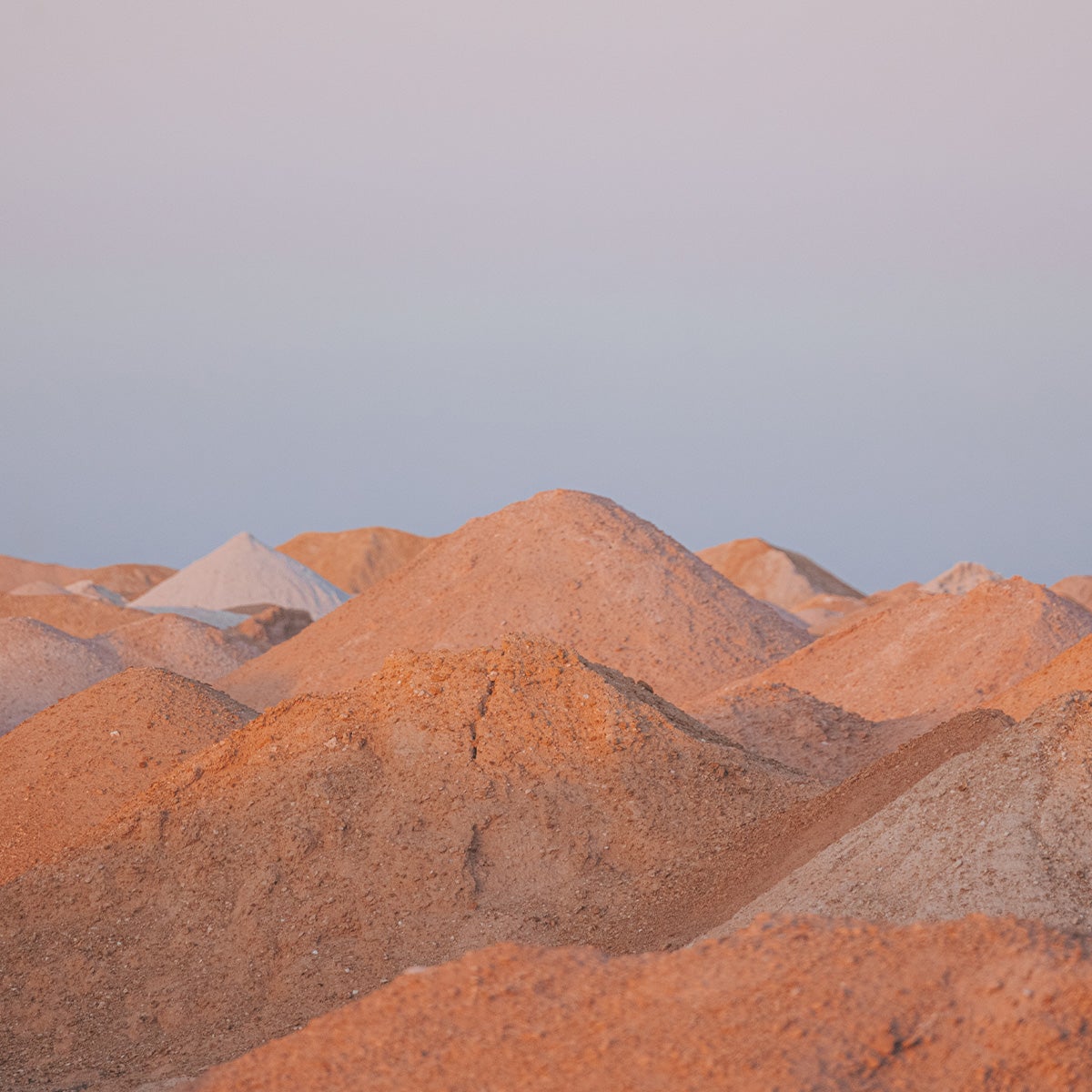
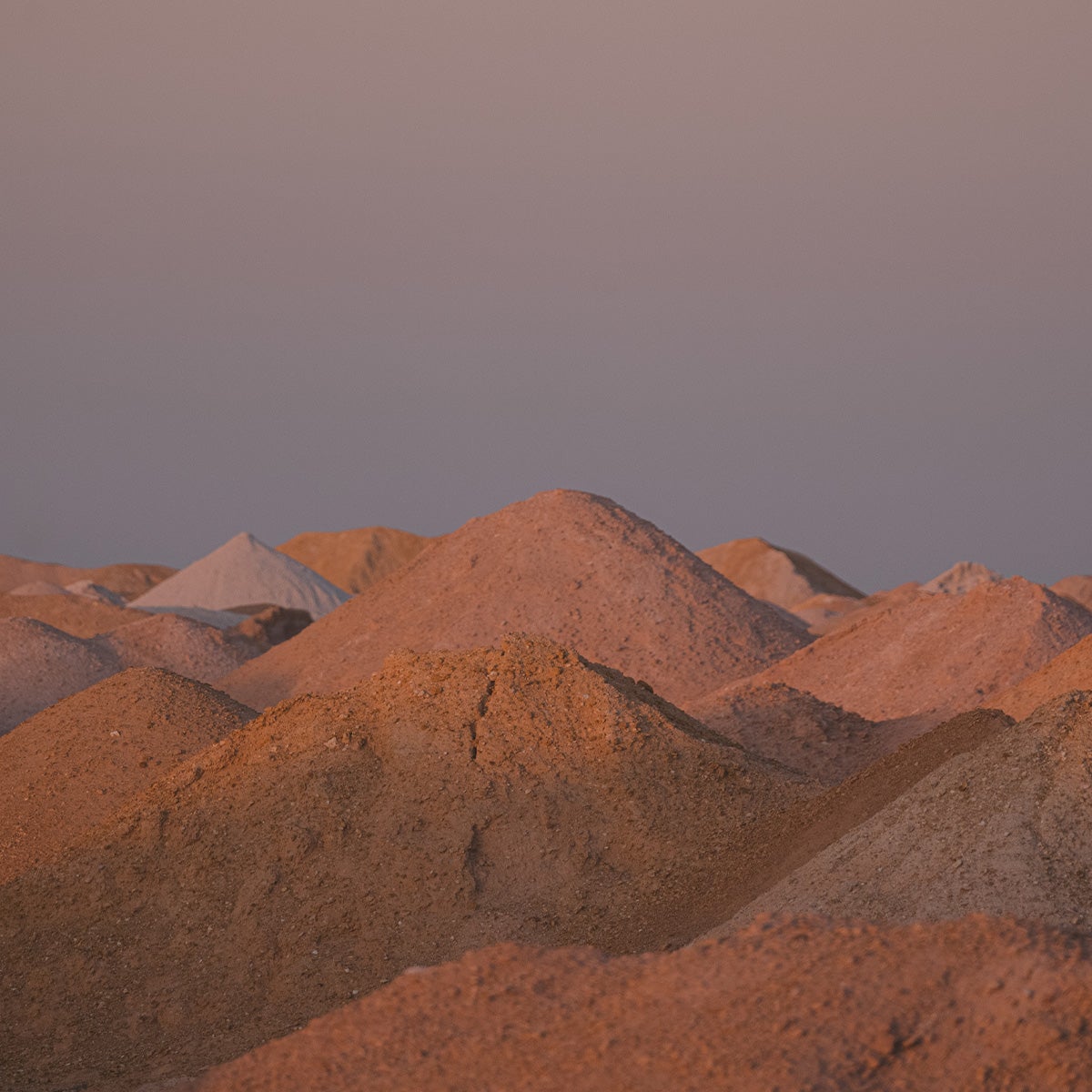
Vibrant
 Preset
 Original
"The tones! The tones!" In monochromatic settings like desert rock formations or bustling cities, the subtle
differentiation of tones gives the scene its natural beauty. Unedited photos tend to lose that
differentiation, robbing the image of the visual element we most hoped to capture. By adding saturation back
to underrepresented tones and turning the dial back up on the brightness, this preset restores the stark
beauty of those glaring subtleties.
Have Lightroom Classic or Mobile?
Click here to download this preset for import.
Preset 09
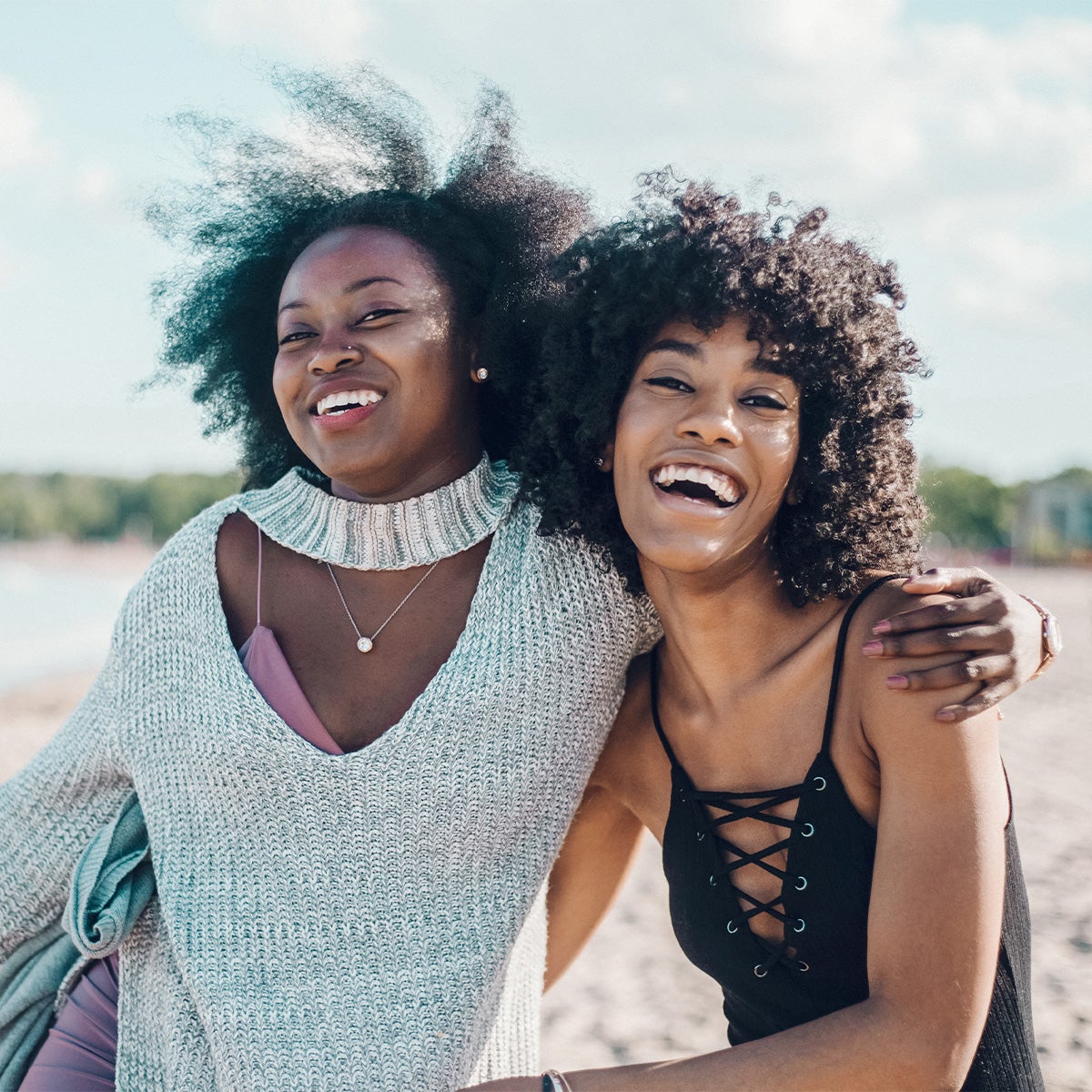
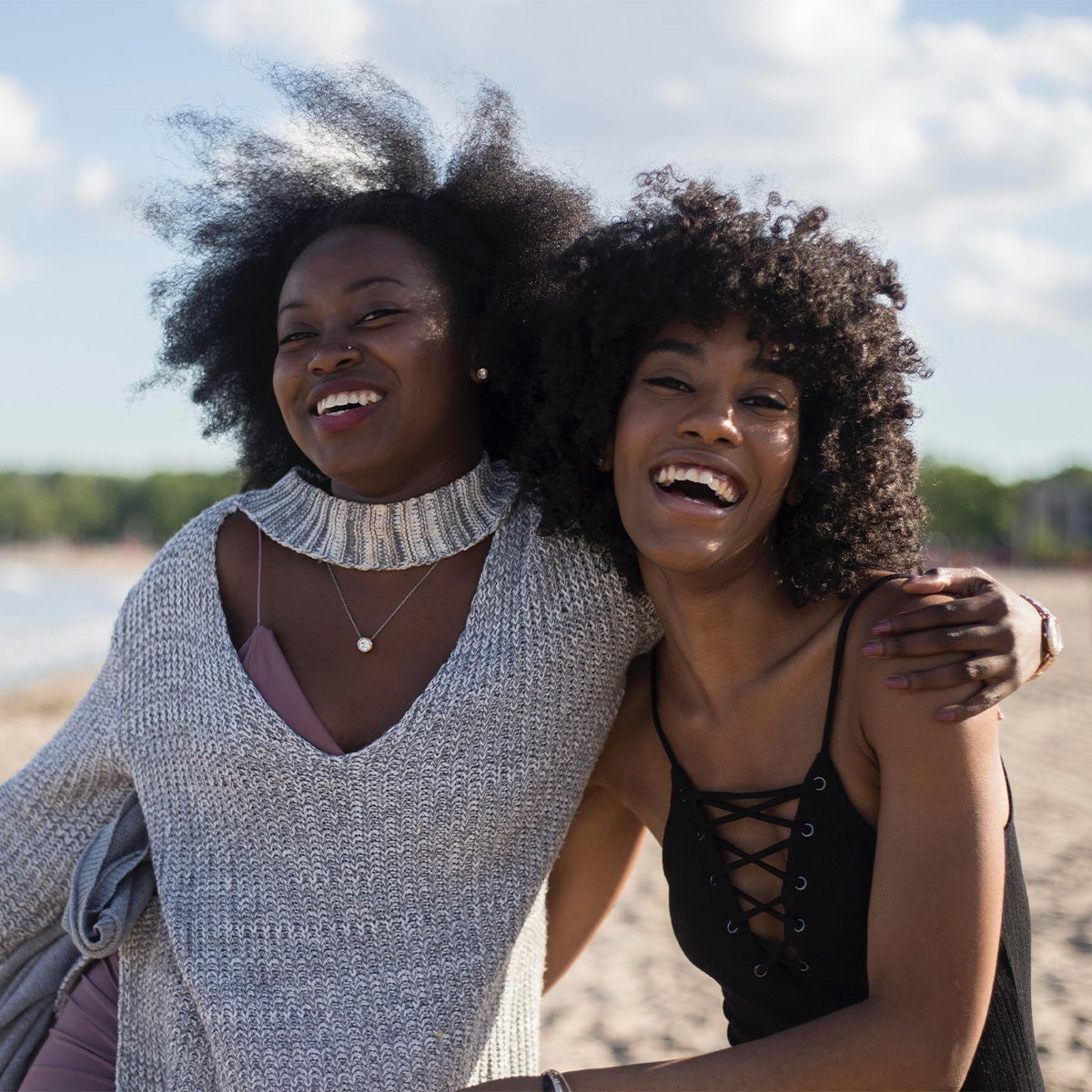
Blues
 Preset
 Original
The very mention of "blues" might make you think calm, cool, and maybe even dark. We're turning that on its
head by bringing blue and bright together for invigorating yet gentle images. All it takes is a slight
slight shift of blues, leaning into the cyan and bumping up exposure. This preset does just that, so you can
bring out the best in bluebird days and beyond. It's especially useful in easing some of the dark,
contrasting shadows that can occur when your subject has their back to the sun.
Have Lightroom Classic or Mobile?
Click here to download this preset for import.
Preset 10
Natural
 Preset
 Original
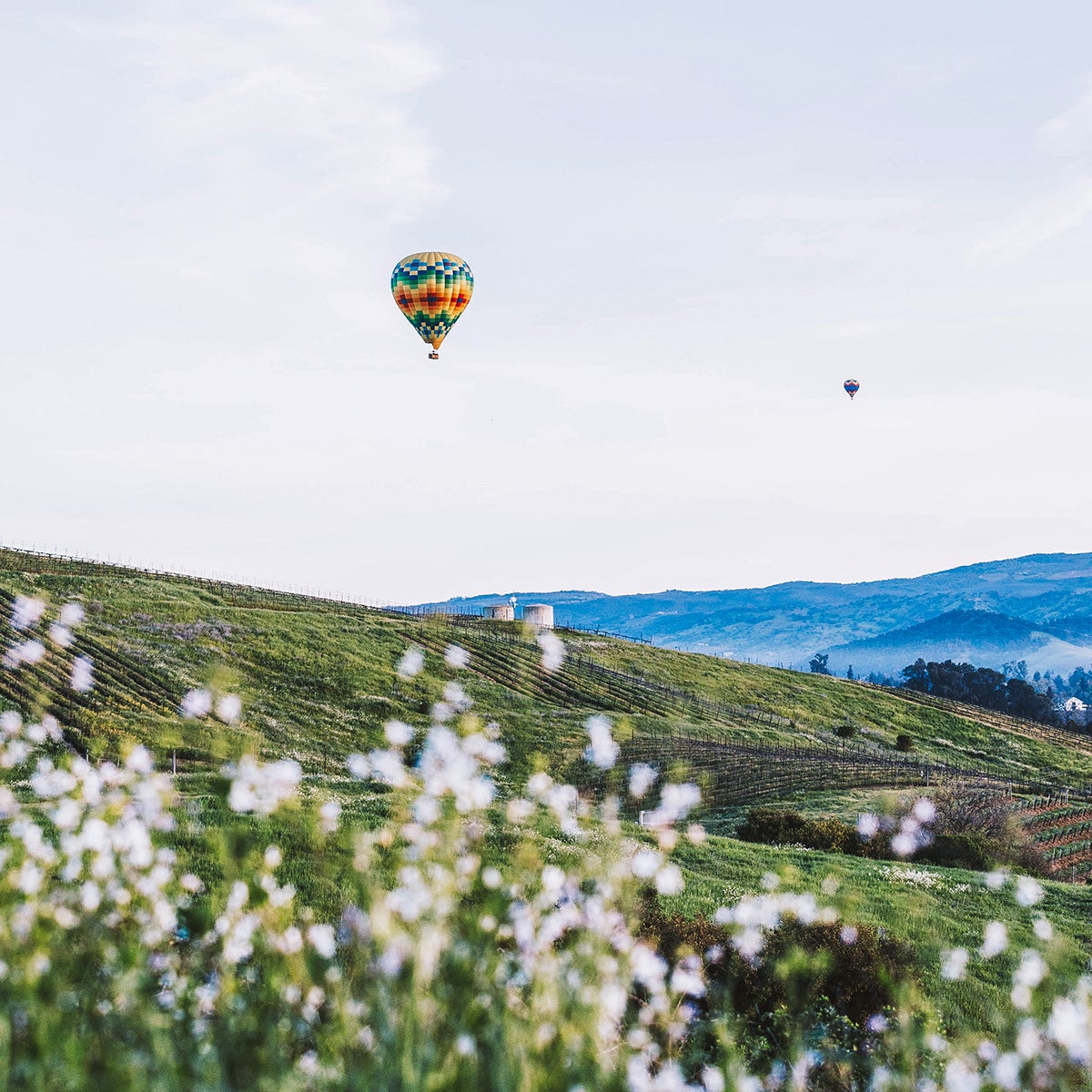
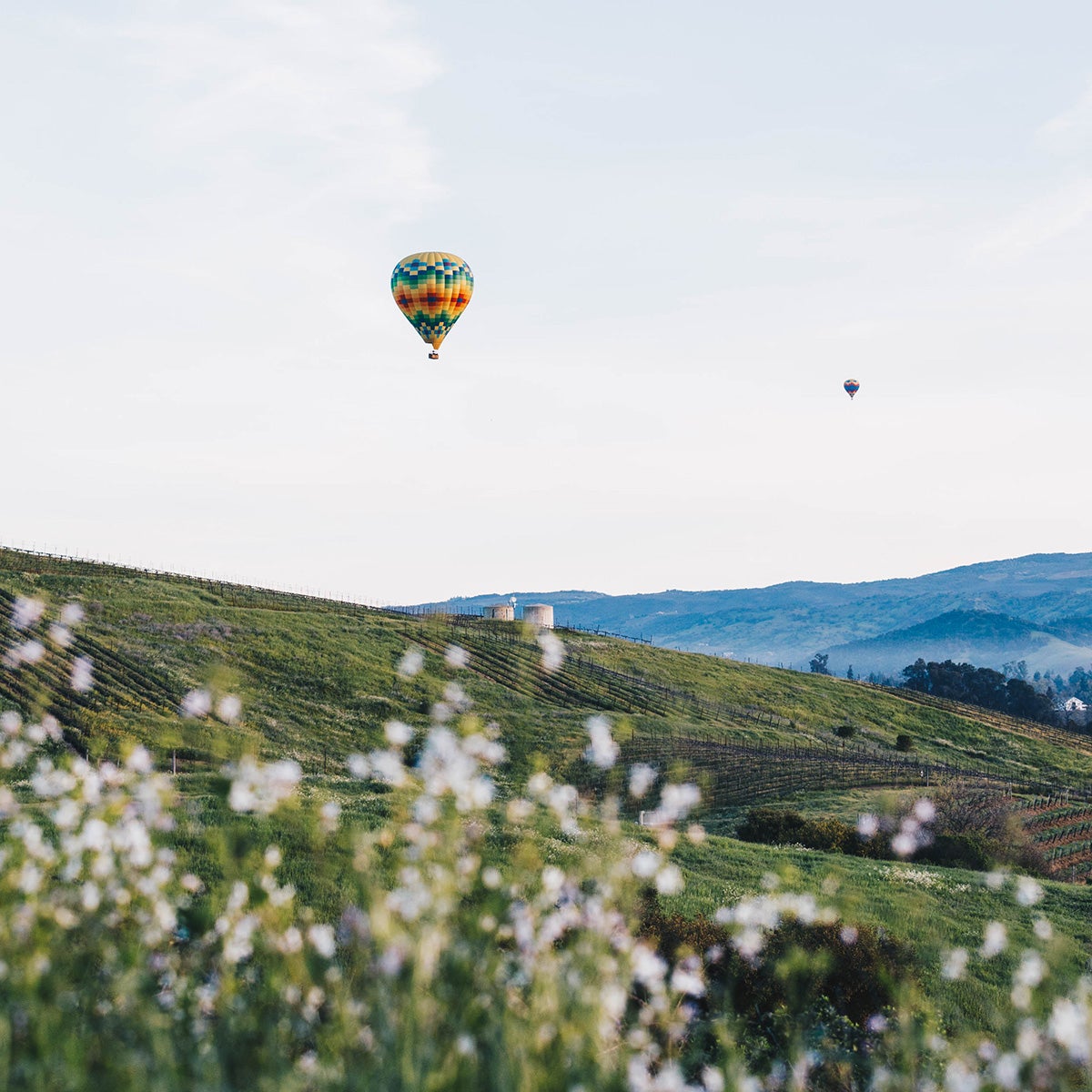
From purple mountain majesties to spring blooms, nothing captures the magic of mother nature quite like the
human eye — but some small edits are all it takes to do her justice. Preset 10 starts by creating higher
contrast to add depth and dimension to those features that stop us in our tracks. Meanwhile, these settings
pull up shadows and exposure to create seamless highlights that offset the contrast, smoothing out and
brightening the scene while keeping the increase in definition intact.
Pro tip: Start with an image you can't wait to edit by following these landscape photography tips.
Have Lightroom Classic or Mobile?
Click here to download this preset for import.
How to Use Lightroom Mobile Presets
To use Lightroom presets on your phone, you'll need to download the free Lightroom Mobile app for Apple or Android. Then:
- Download the DNG file(s) for any preset(s) you'd like to use onto your phone. First, tap each image and select "Add to Photos."
- In Lightroom go to your photo library, tap the icon to add photos, and select "from files."
- Add the file to your library. It should now appear as a photo with a DNG icon next to it.
- Open the photo, tap the icon of three dots in the top right corner, and select create preset.
- Give your preset a name. Naming it based on the colors or effects it creates will make it easier to find and use.
- Now open the photo you'd like to edit and tap the "Presets" tab in the bottom menu.
- Select "User Presets" from the bottom of the menu and tap the preset you'd like to apply.
Make Them Yours
We Can't Wait to See How You Use Them
Just tag us on Instagram (@artifactuprising) and use #TellOn.